
If you are selected to record a self-tape audition, Casting will send an Eco Cast Self-tape Invitation through the CMail messaging system. The invitation will include instructions for the audition and you will be able to upload your self-tapes directly to the invite to submit.
When you have a new Eco Cast Self-tape invitation, you will see a notification come up as a new CMail, when viewed through the App.
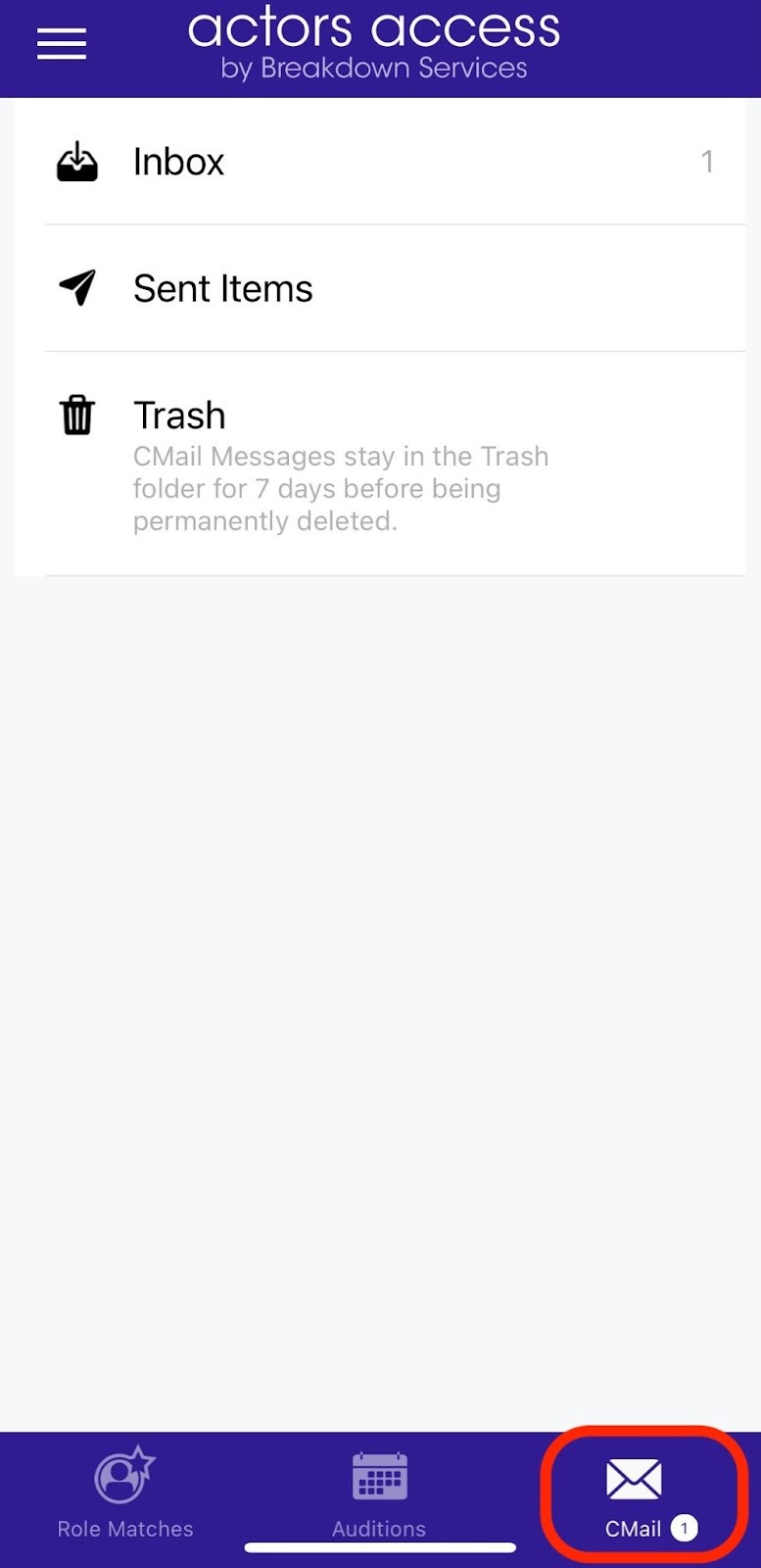
1) Click the CMail inbox.
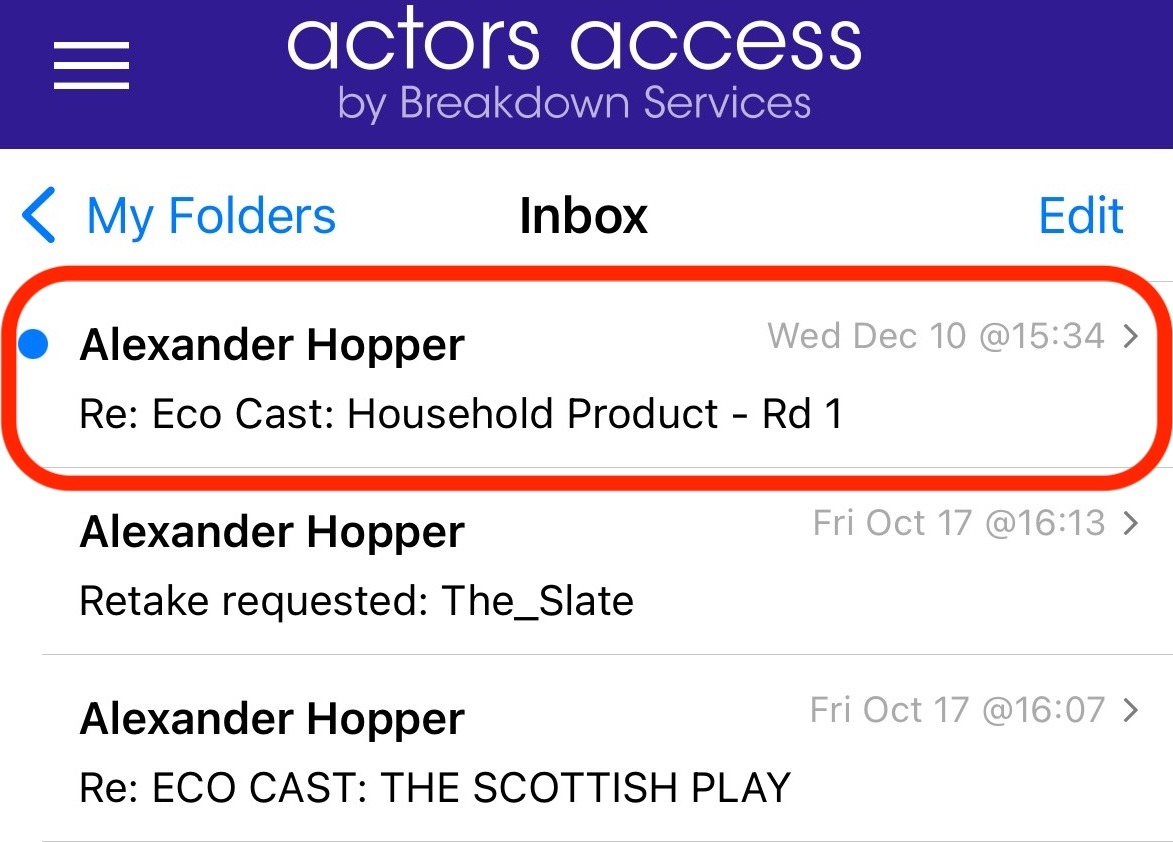
2) Then, click the subject line to open your Eco Cast self-tape invitation.
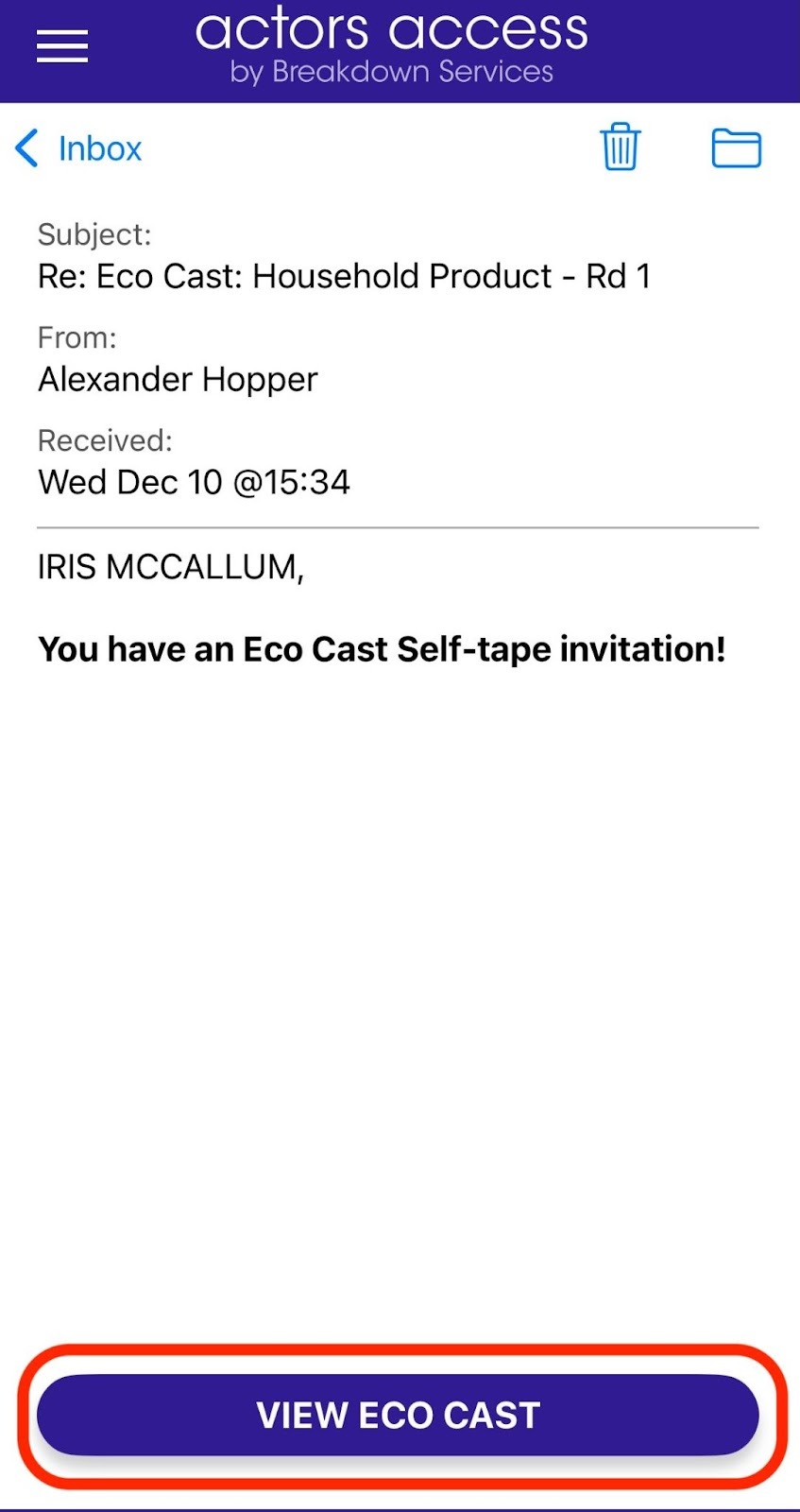
3) Click VIEW ECO CAST.
The body of the invite will have information about the project, the role, and instructions on what needs to be recorded. It will also include the deadline for the invitation. Deadlines automatically adjust to your device's timezone.
If the Casting Director chooses to include them, you will see the sides and any other audition material at the bottom of your invitation. Depending on the security features used by Casting, you may not be able to access your sides or audition materials until you confirm your audition.
4) At the bottom of the invitation, you will be able to DECLINE or CONFIRM your audition. If you intend on submitting a self-tape, make sure to click on the CONFIRM button. This will also unlock your sides and audition material if Casting has utilized Secure Sides, and you can now click on the red icons to access those files.
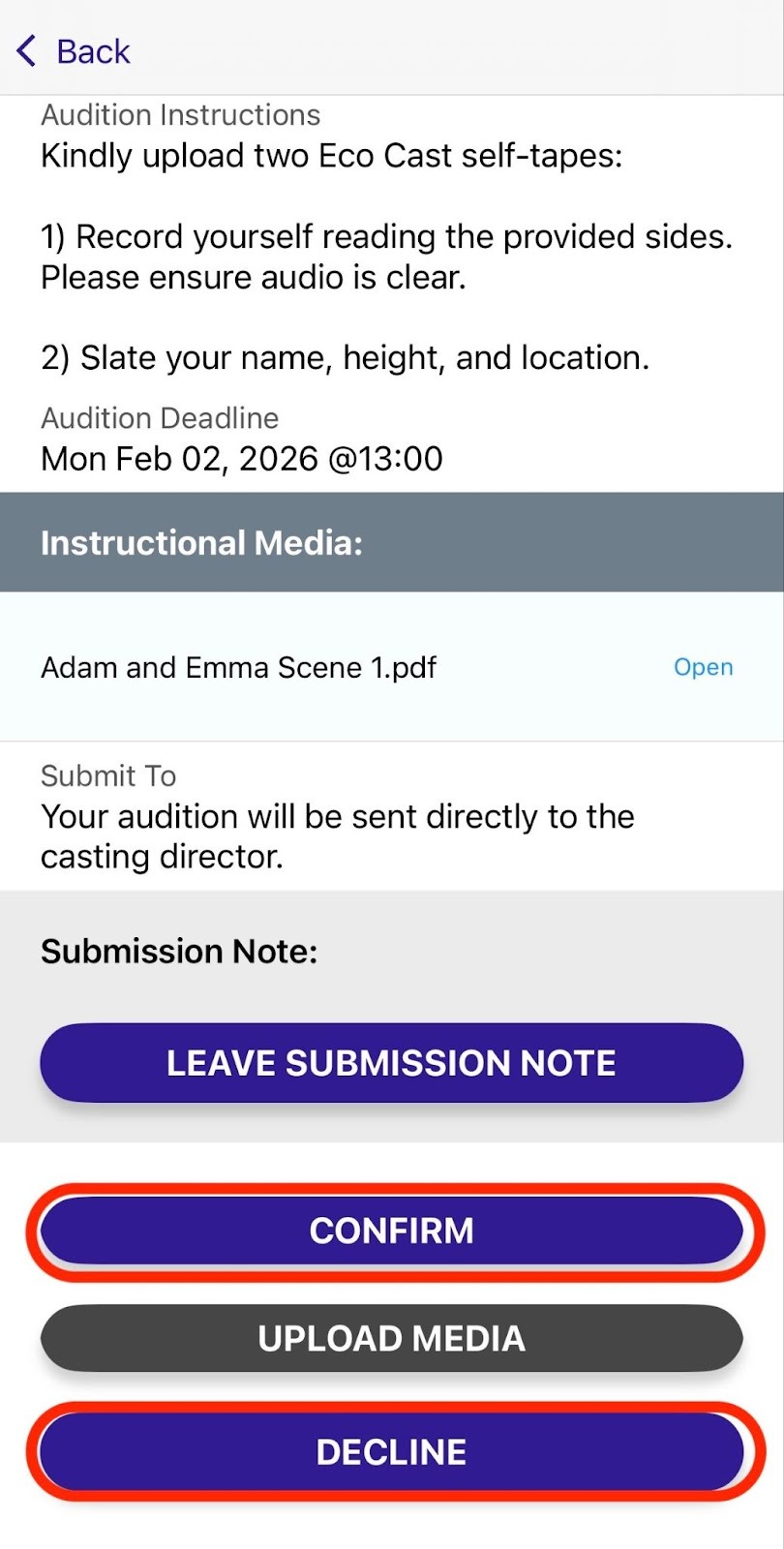
You will not be able to click on the UPLOAD MEDIA button until you have confirmed.
Please note that security features are available to Casting Directors that may impact your sides and material. Files may appear automatically watermarked with your name when viewed, and some material may only be viewable within your Actors Access account if the Casting Director has chosen to disable download and print options.
When uploading an Eco Cast Self-tape always make sure to do so well before the deadline (i.e. the date/time displayed on the Audition Deadline field of the invite).
This time/date is automatically displayed in your local time based upon your device’s time zone settings.
Please note, a deadline of 12:00 AM means you must submit your self-tapes before the clock changes to that date, as 12:00 AM refers to the first minute of that date. For example, if the deadline is 12:00 AM February 02 the files need to be uploaded and submitted before 11:59 PM February 01 has passed.
5) Prepare and record your audition. Make sure to follow any directions given in the Audition Instructions by the Casting Director.
6) Once you have your audition files ready, return to the Eco Cast invite. At the bottom of the invitation is a button to UPLOAD MEDIA. Click this button to begin uploading your audition files.
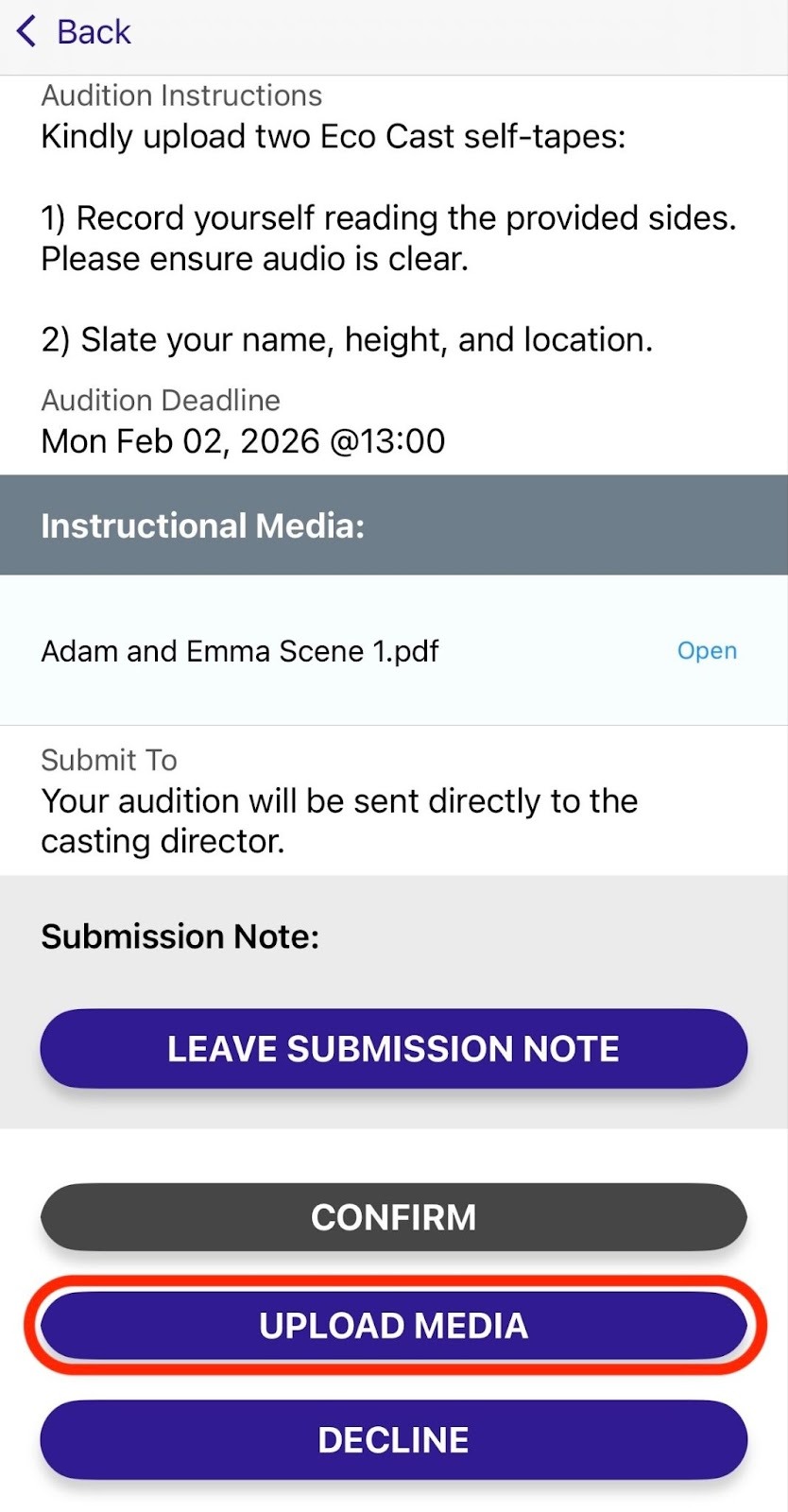
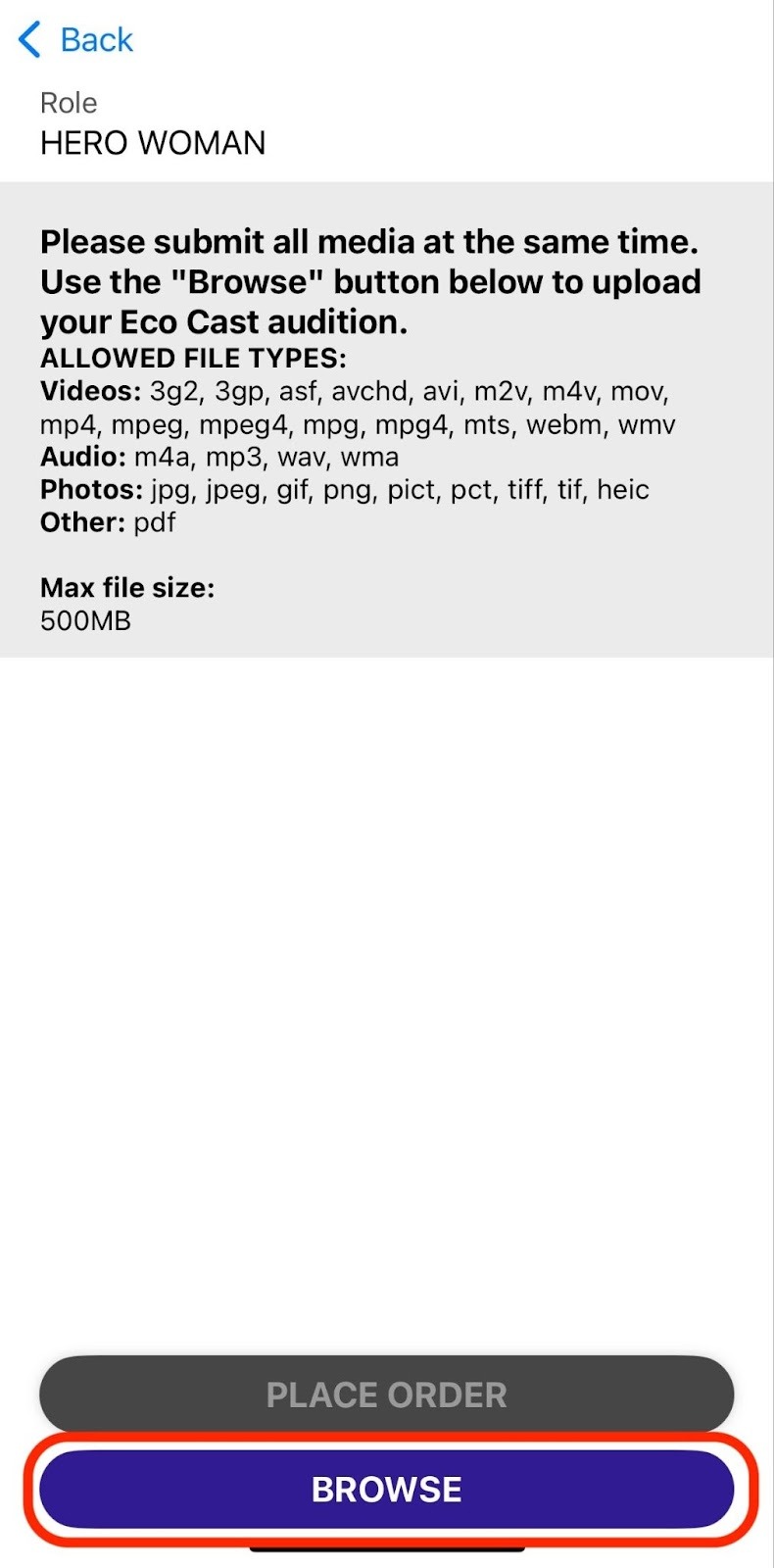
7) Click the BROWSE button to select the first audition file. You will need to find your self-tape in your device by clicking Photo and Videos or Browse. After the first file has started uploading you can click the BROWSE button again to select another file. Repeat until all necessary files are uploaded. Make sure to wait until the files have completed both uploading and encoding before moving to the next step.
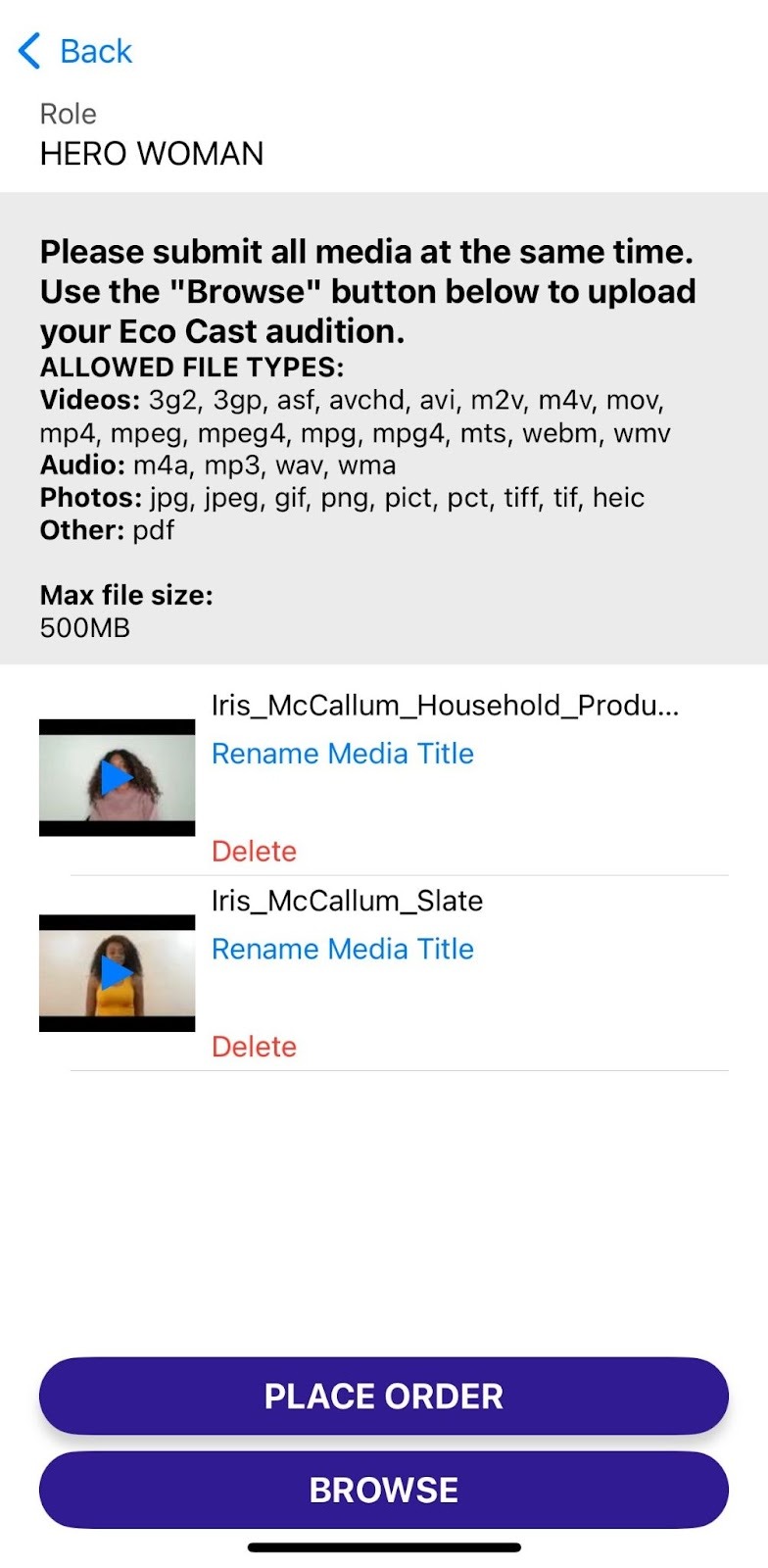
You will see a small thumbnail of your file when it has completed both uploading and encoding. Click on the thumbnail to play the video. You can also Rename Media File or Delete the file at this stage.
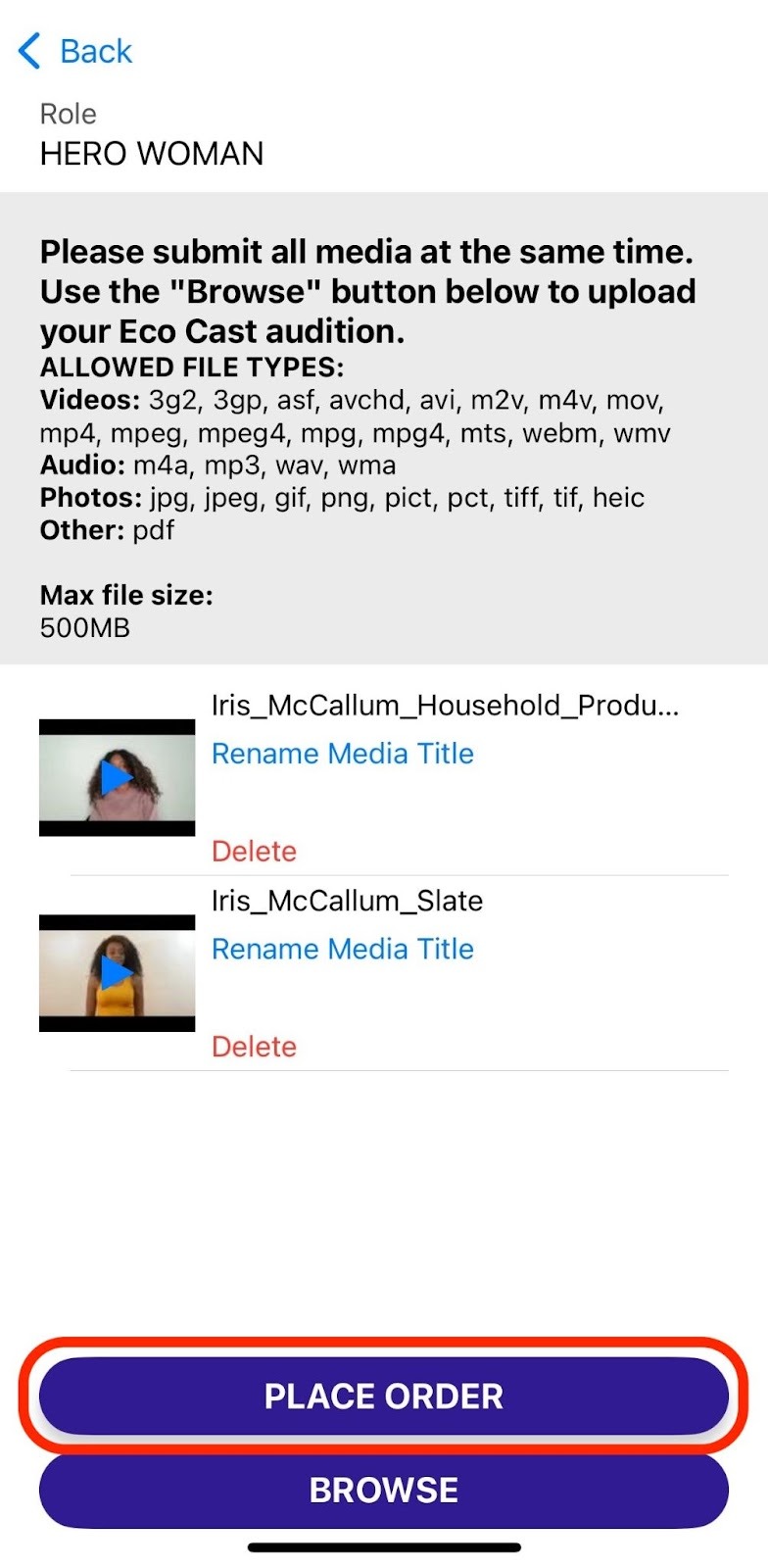
8) Review your uploaded files. After you have uploaded all required files click PLACE ORDER.
Eco Cast accepts many video, audio, image, and document file formats so that you can upload whatever material Casting has requested for your audition. Each file must be less than 1GB. Photos must be under 20MB. Larger files will take longer to upload and encode.
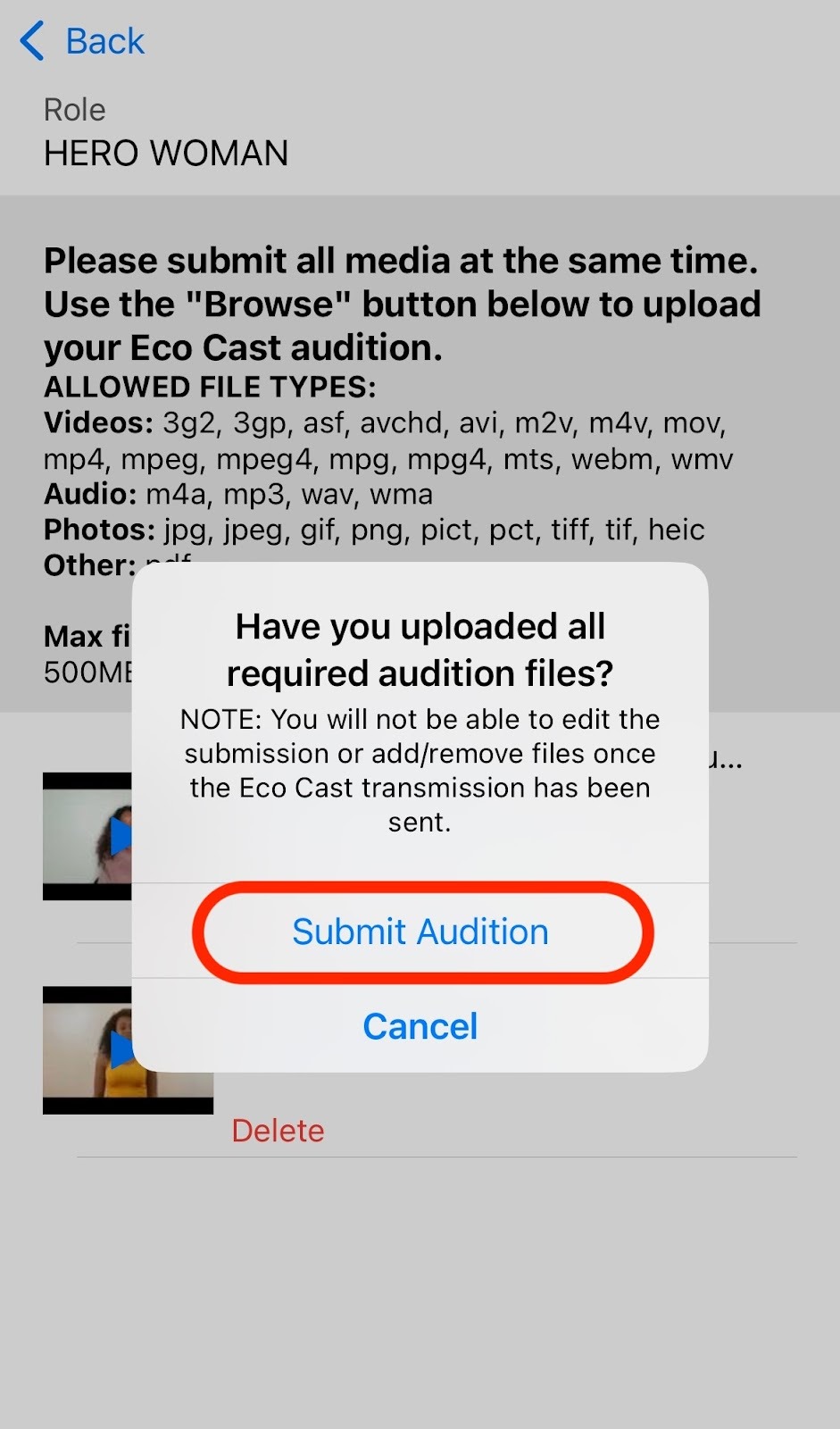
9) Before your submission is finalized, you will see one final reminder that once your files have been submitted, you will not be able to edit or adjust your submission in any way. Click Submit Audition to finish the process and send your files to your Talent Representative or the Casting Director to review.
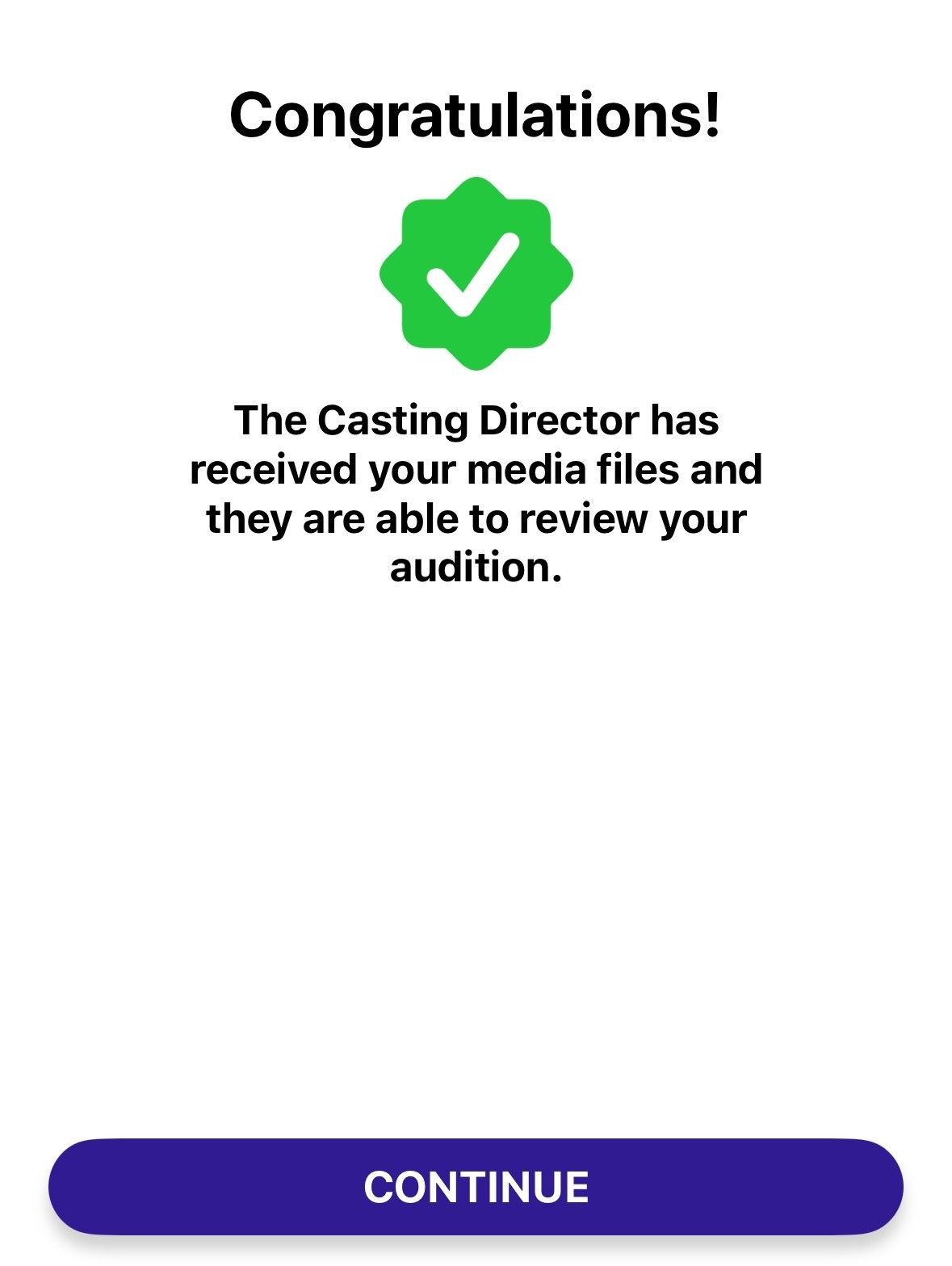
10) After you submit your files, you will receive a confirmation that your Eco Cast self-tape has been submitted.
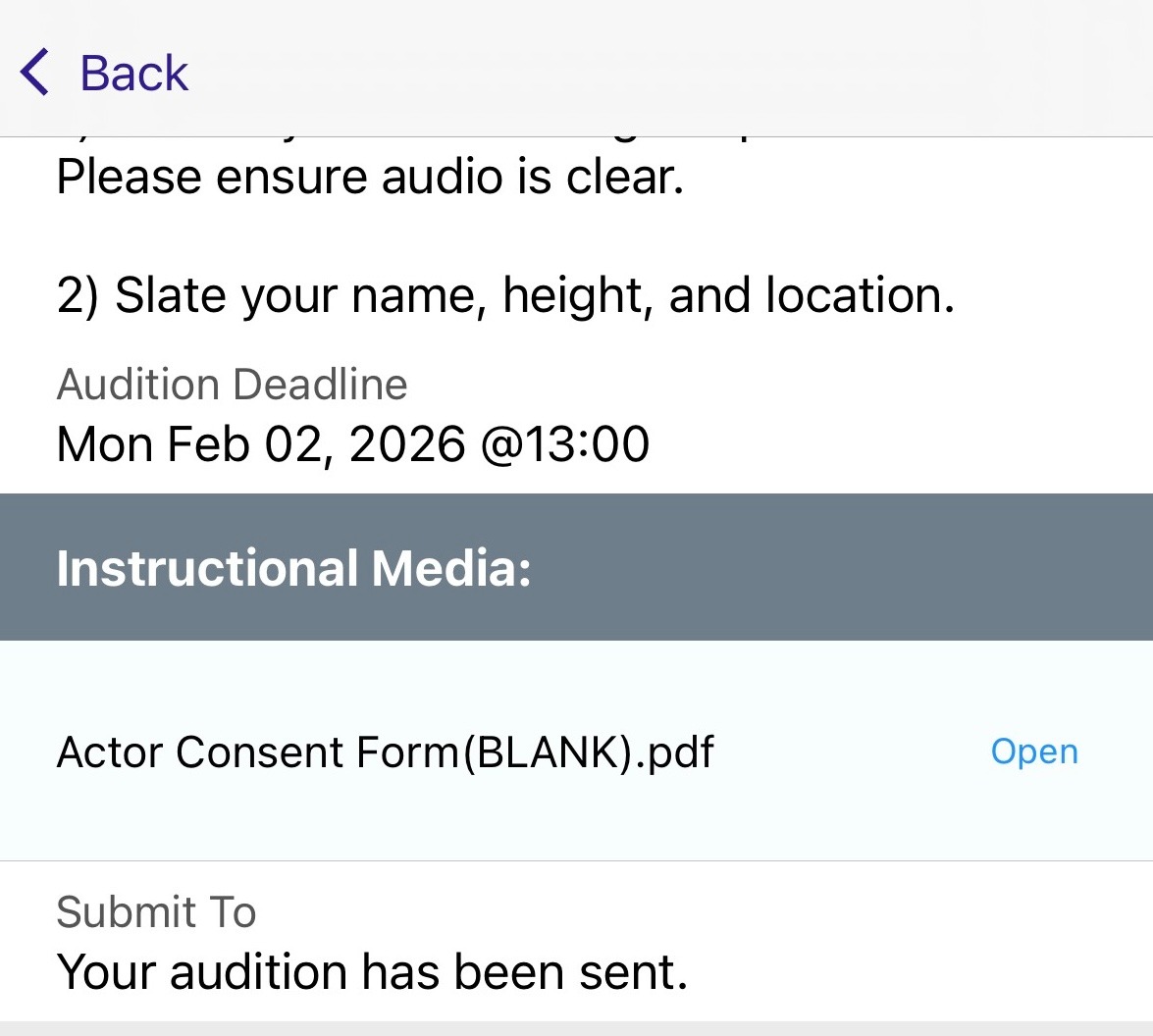
You can view your Eco Cast audition to confirm that it has been sent as well.
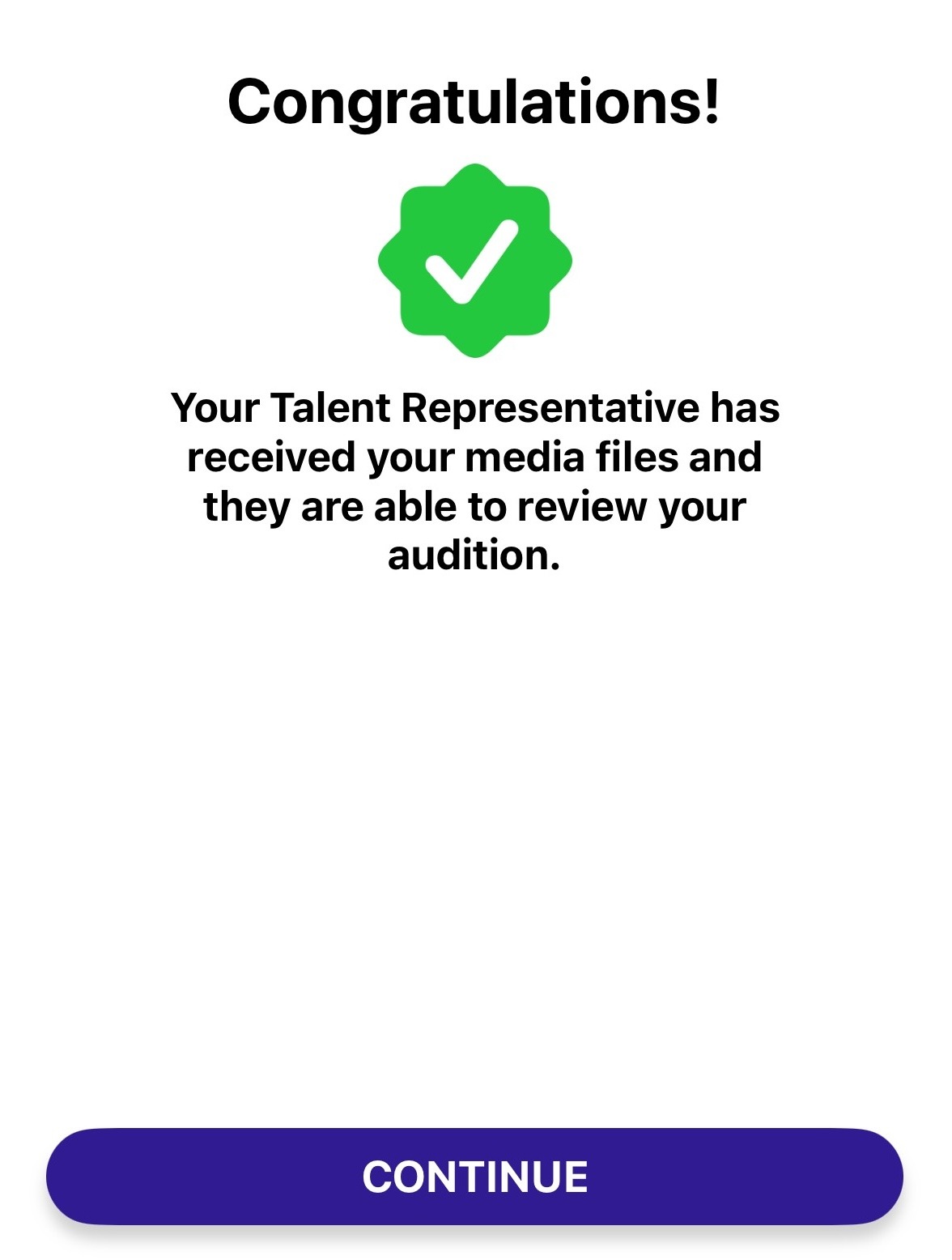
If the Eco Cast was forwarded to you by your Talent Representative they may choose to review your files before forwarding them on to Casting. If so, you will see this reflected in the grey banner above your audition files. Once your Talent Representative has sent the files to Casting this message will automatically update to reflect that.
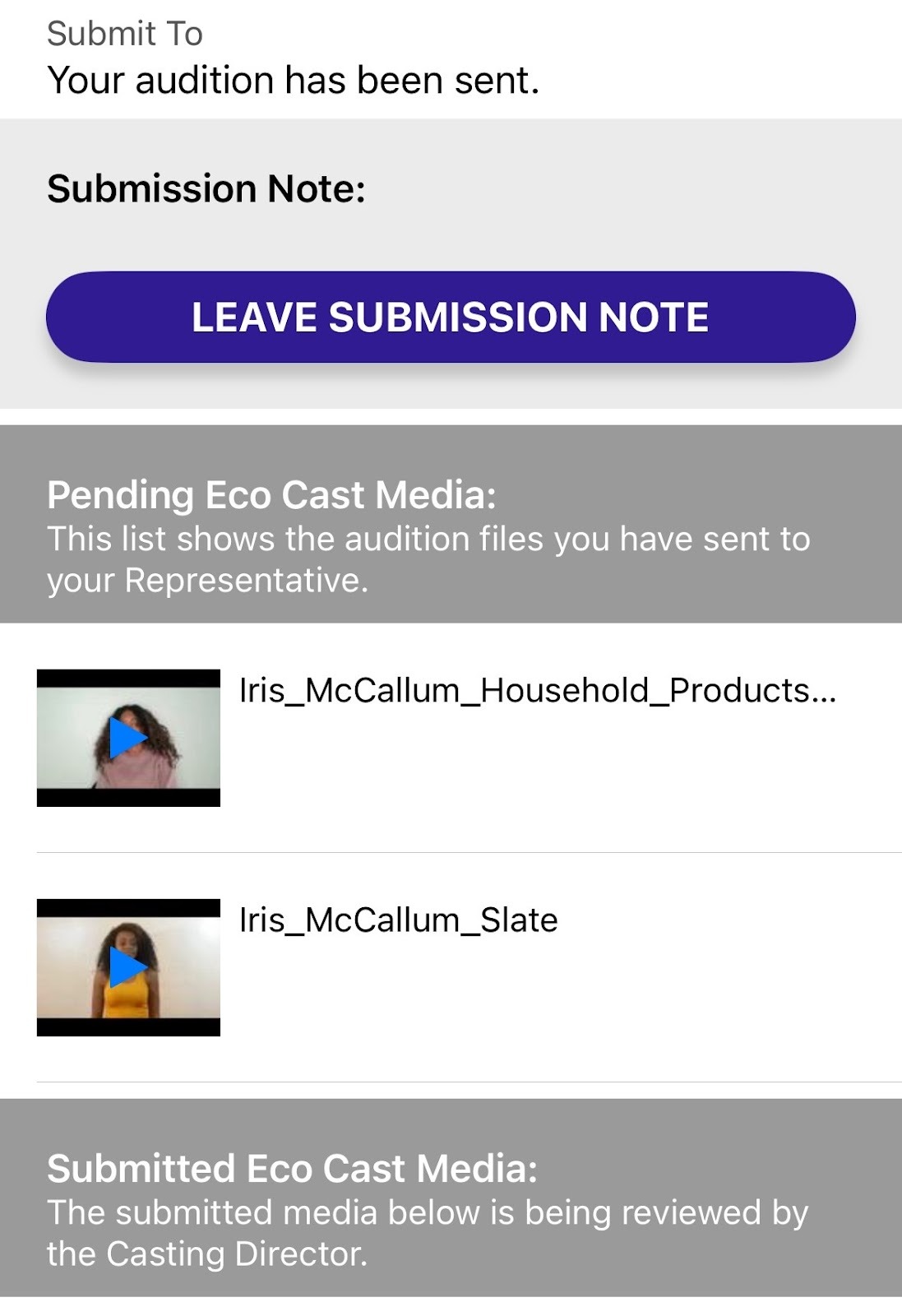
Please note, your Talent Representative may request that you submit a retake. For more detailed information on how to respond to Retake Requests, please click here.
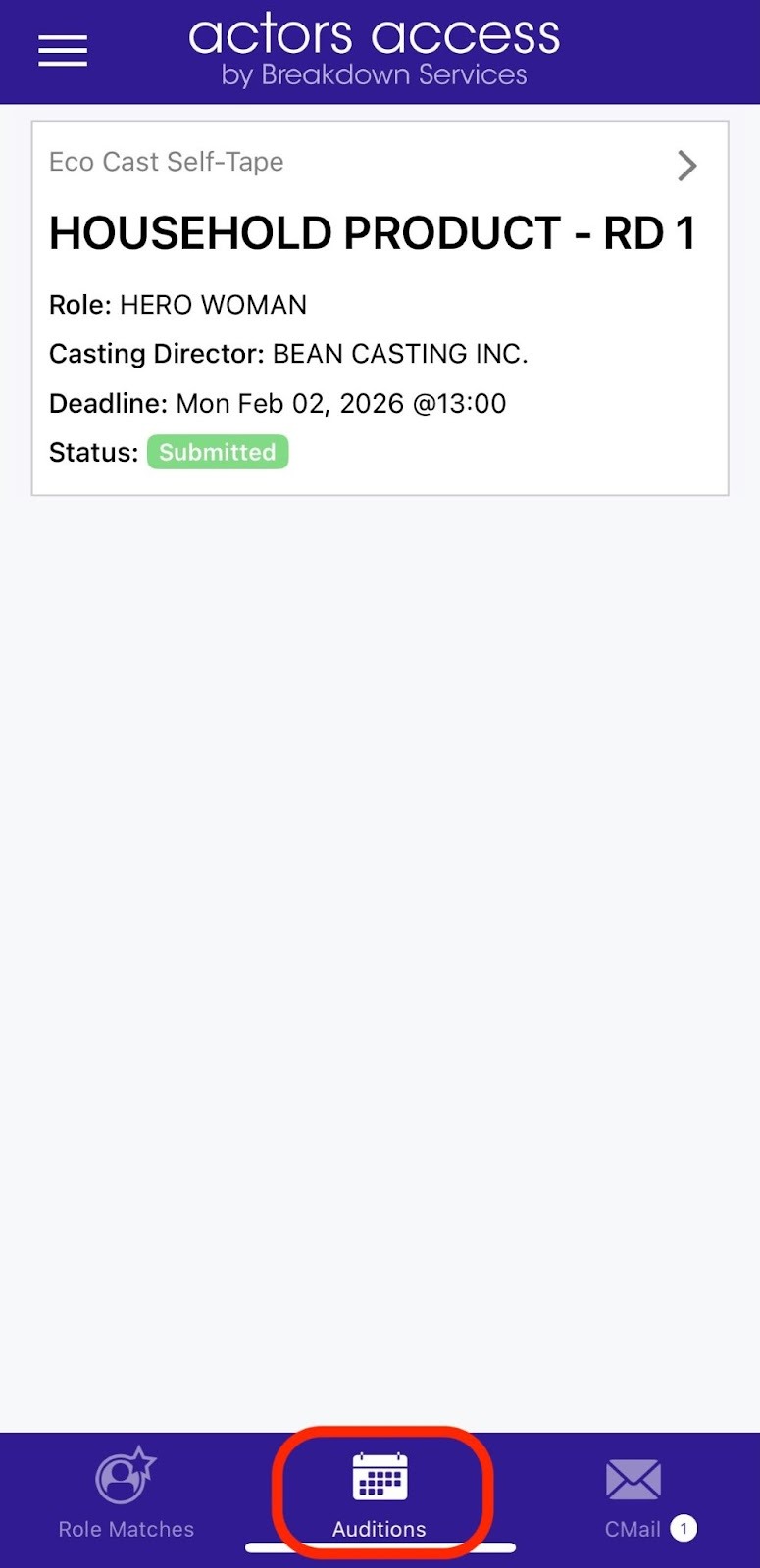
You can view current and past in-person auditions in the AUDITIONS section of your app. Just click on AUDITIONS in your main page.
Next Steps: